Managing Recordings
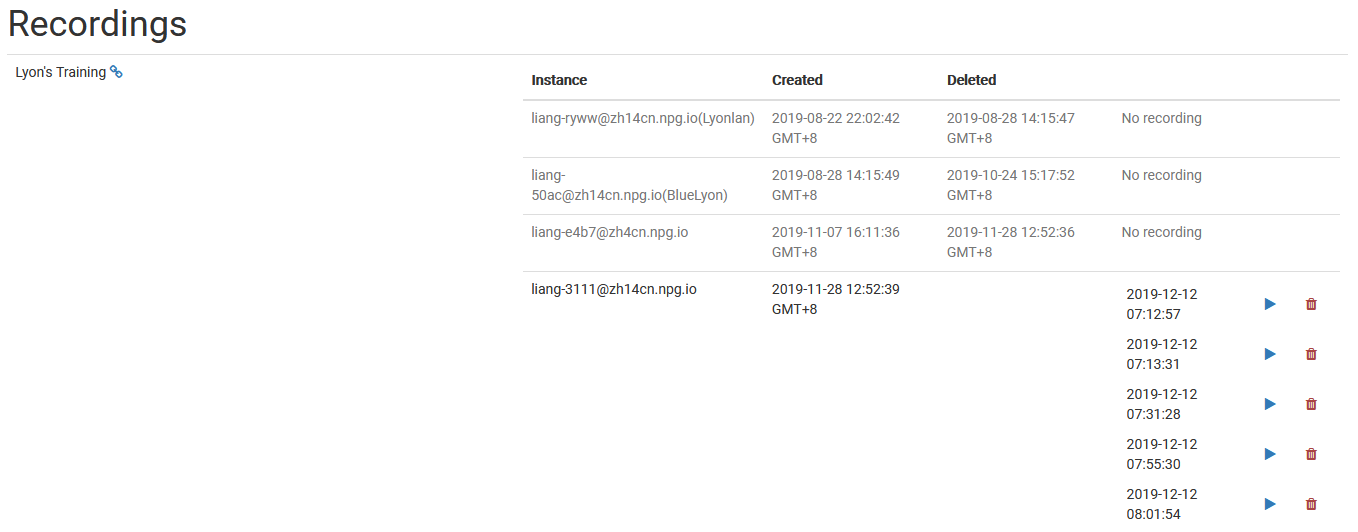
The Managing Recordings page enables Super Administrators to view and manage recordings that have been created within DaDesktop. Acting as a central control point, it allows you to review the list of available recordings, helping to keep the data well organized and removing any that are no longer necessary.
Recording Management
On the recordings management page, administrators can browse through the recording list and inspect each item's details. This simplifies monitoring recordings across the platform and carrying out maintenance tasks when required.
Deleting Recordings
When a recording is no longer needed, you can delete it directly from the management interface. Clearing out unused recordings helps maintain an organized system and cuts down on unnecessary storage usage. Only recordings that are truly surplus should be removed, since deletion is intended for permanent cleanup.