Server Management
You have the flexibility to add and remove servers within your On-Premise or OEM DaDesktop cloud environment.
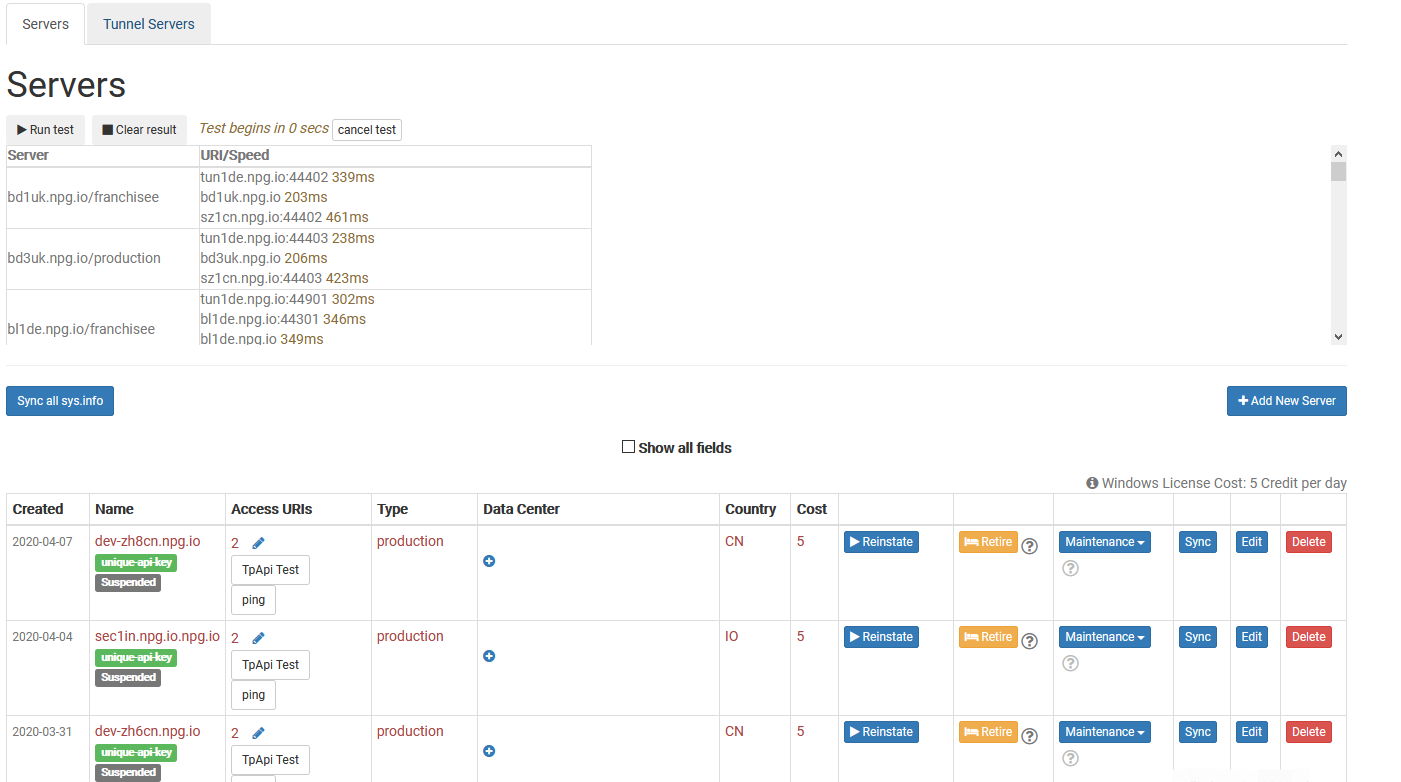
Sync all sys info
This operation examines each server’s CPU, memory, and other specifications, then refreshes the database. DaDesktop uses this data to recommend servers to users, prioritizing those with more available resources.
After upgrading hardware, you can synchronize all servers or just the one you updated.
Bear in mind that if you have more than 1000 servers, the process could take a few minutes.
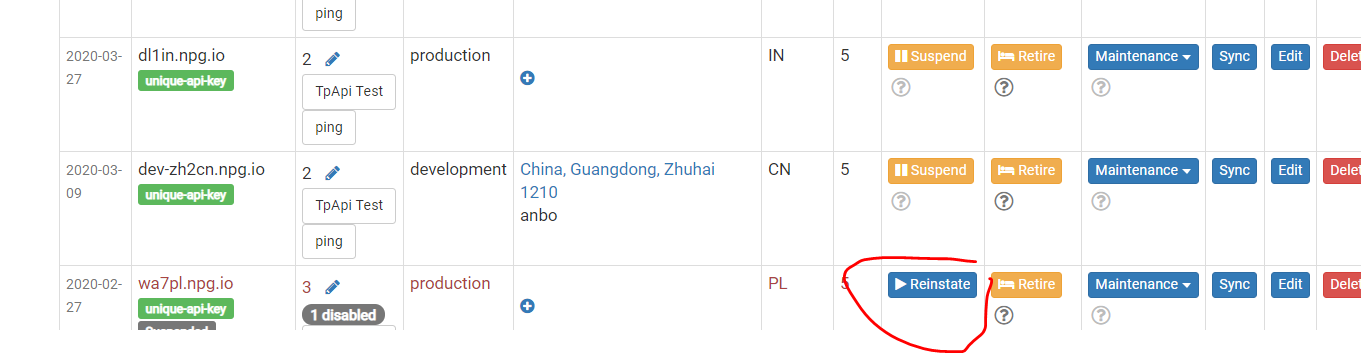
Change State (Suspend, Reinstate)
Suspend a server when it becomes inaccessible. This prevents the DaDesktop GUI from checking the status of that server and its desktops.
You might use this if a server is unavailable due to a malfunction.
Retiring Server
When you want to stop using a particular server, place it in retire mode. This will block new desktops from being created on it, while existing desktops can still be used or migrated to other servers.