What Are Fresh-Start, Trainer, Participant, and Standalone Machines?
DaDesktop is a sophisticated training platform that offers accessible cloud machines for training courses, along with admin tools to effortlessly manage the Desktop machines assigned to each course.
To make this possible, DaDesktop relies on several Desktop machine types—similar in purpose but distinct in function—to support these courses.
Below, you'll find a breakdown of each machine type.
Fresh-Start Machine
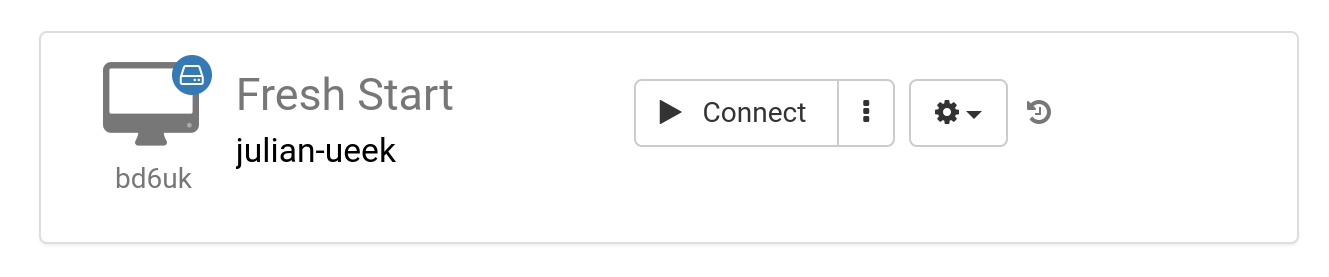
A 'Fresh-Start' is the machine on DaDesktop where the Trainer builds and refines their course content. Once it's ready, the Fresh-Start machine gets cloned to each Participant's Desktop for the upcoming course. Think of it as a 'Golden Image'—one you can roll back to if any problems should arise on either Trainer or Participant machines.
Trainer Machine
The 'Trainer' machine is the tool the Trainer uses to deliver course material to Participants during the session. Its configuration evolves from the original Fresh-Start state, since the Trainer(s) typically install, configure, and run any software applications or libraries related to the subject as part of the course.
If multiple Trainers are leading the course, there will be corresponding multiple Trainer machines.

Participant Machine
Each participant uses a 'Participant' machine throughout the course to install software, configure settings, and carry out exercises under the guidance of the Trainer.

As a rule, Fresh-Start, Trainer and Participant machines get automatically removed shortly after a course ends. For that reason, there's another machine type—one that isn't tied to a course—that you can hold onto for as long as you need: the 'Standalone'.
Standalone Machine
A 'Standalone' machine isn't necessarily part of a course. As the name suggests, it stands alone as a separate entity that you can use before the course starts, after it finishes, or independently, with no course connection. This gives it exceptional flexibility.

Common scenarios for creating Standalone desktops include:
- Preparing training course materials that can be reused repeatedly, independent of any particular course, or kept on hand for whenever they're needed.
- When you need a flexible machine, perhaps with a different operating system (like Linux or Windows), to safely test ideas in a controlled environment.