Preparing Your Standalone
-
Hit the "Connect" button
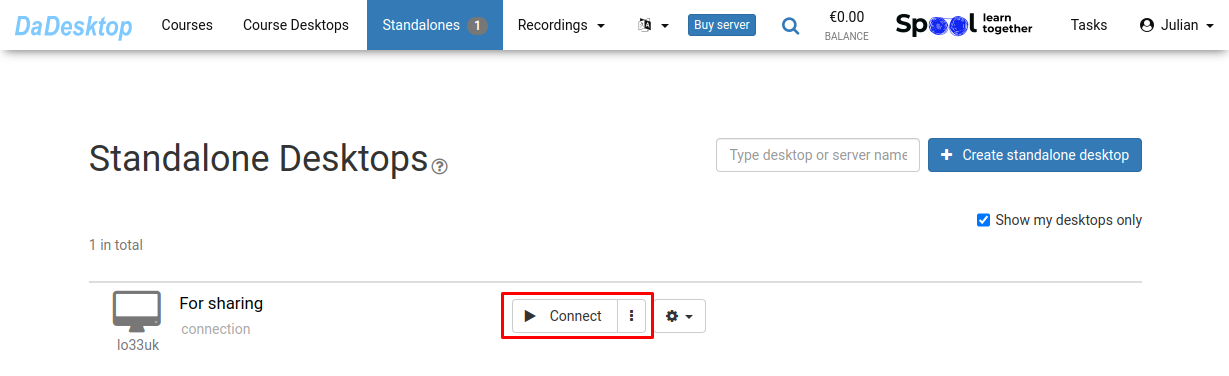
-
Set up your Standalone environment — install software, add course materials, and any supporting tools
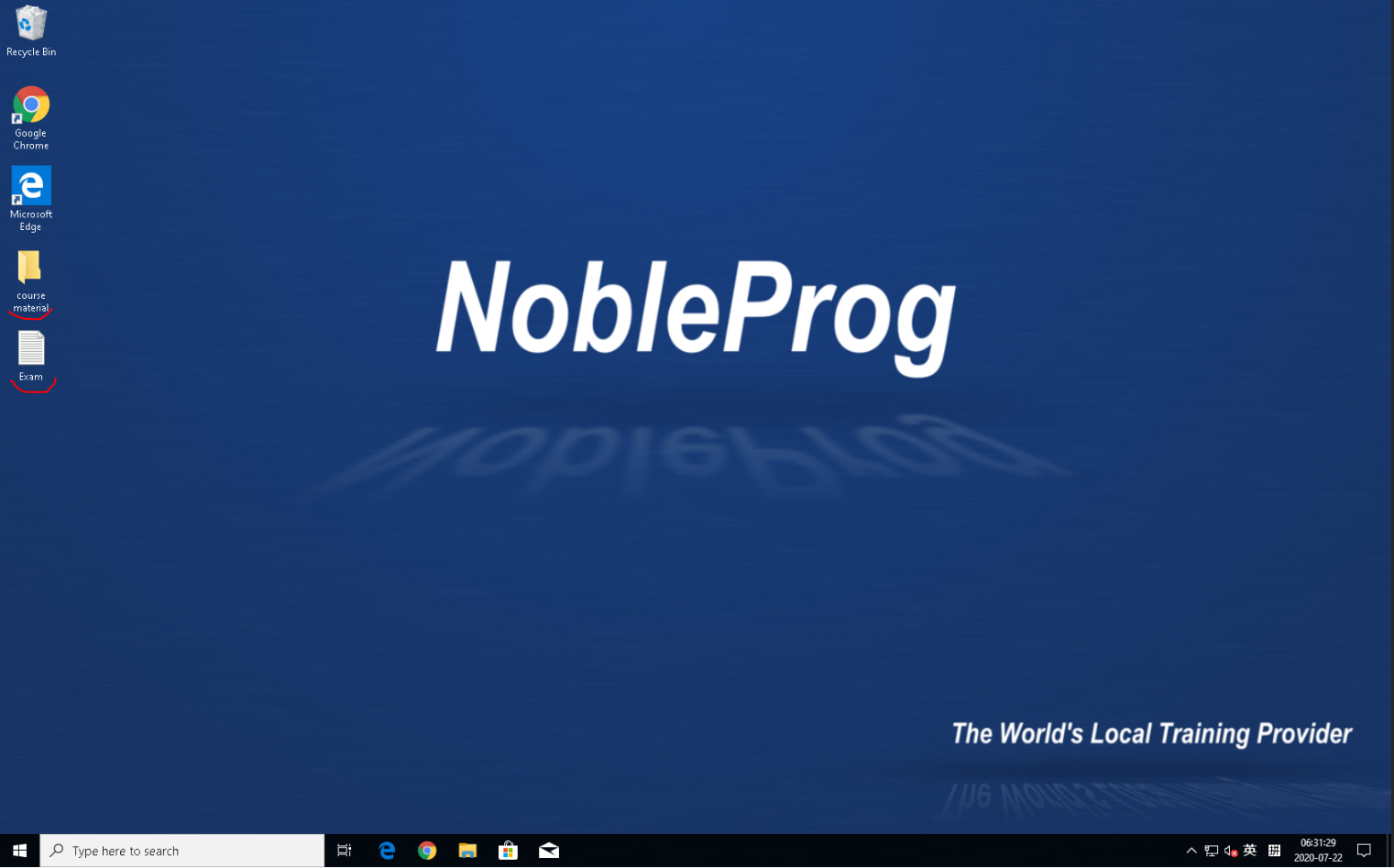
- You'll have access to DaDesktop, our web-based virtual desktop that lets you prepare your course exactly as you would on your own laptop
- You only need to configure the course desktop once; when you choose "Clone to participants", everyone will get the same setup