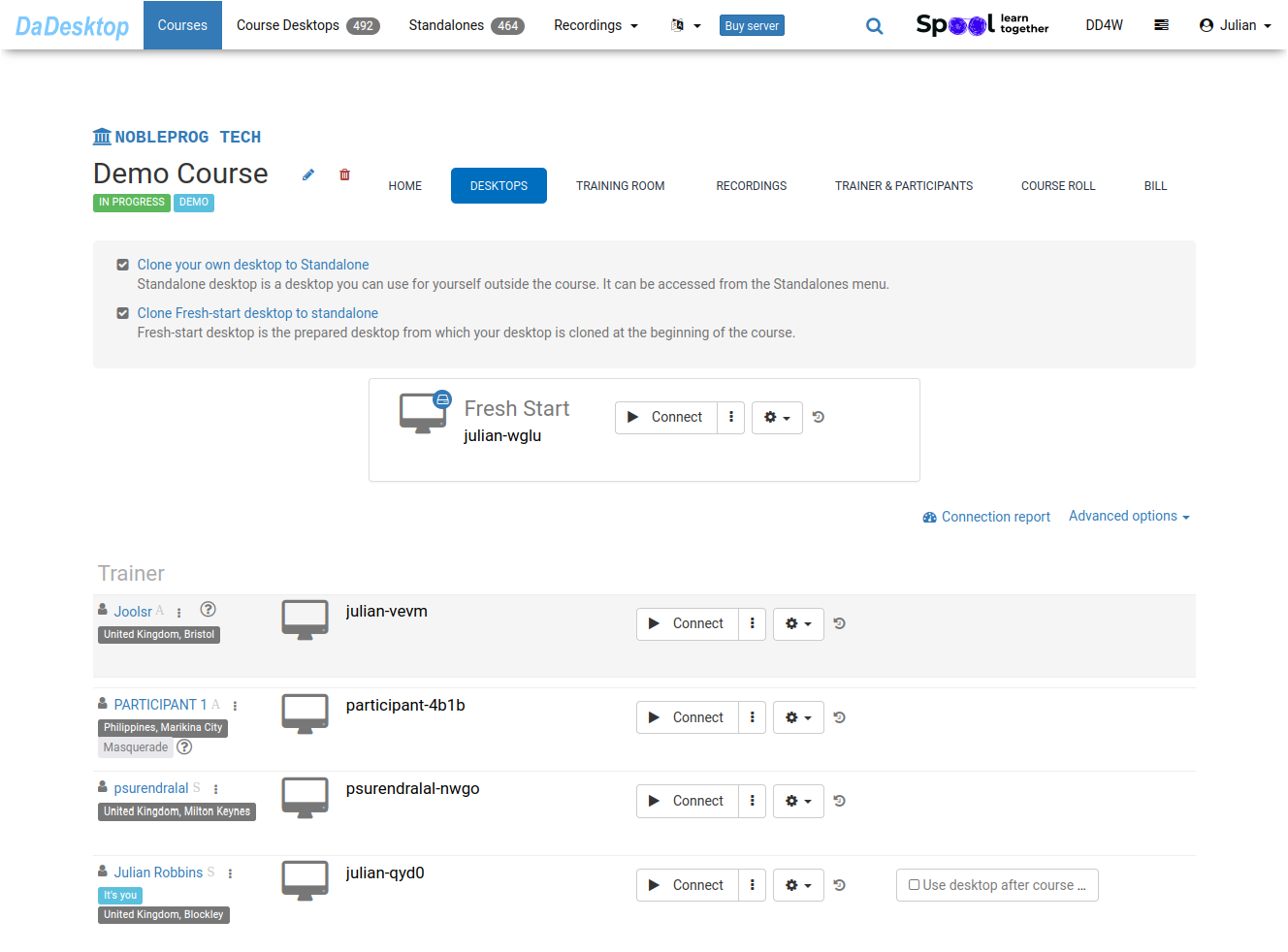
Review Course Delegates
-
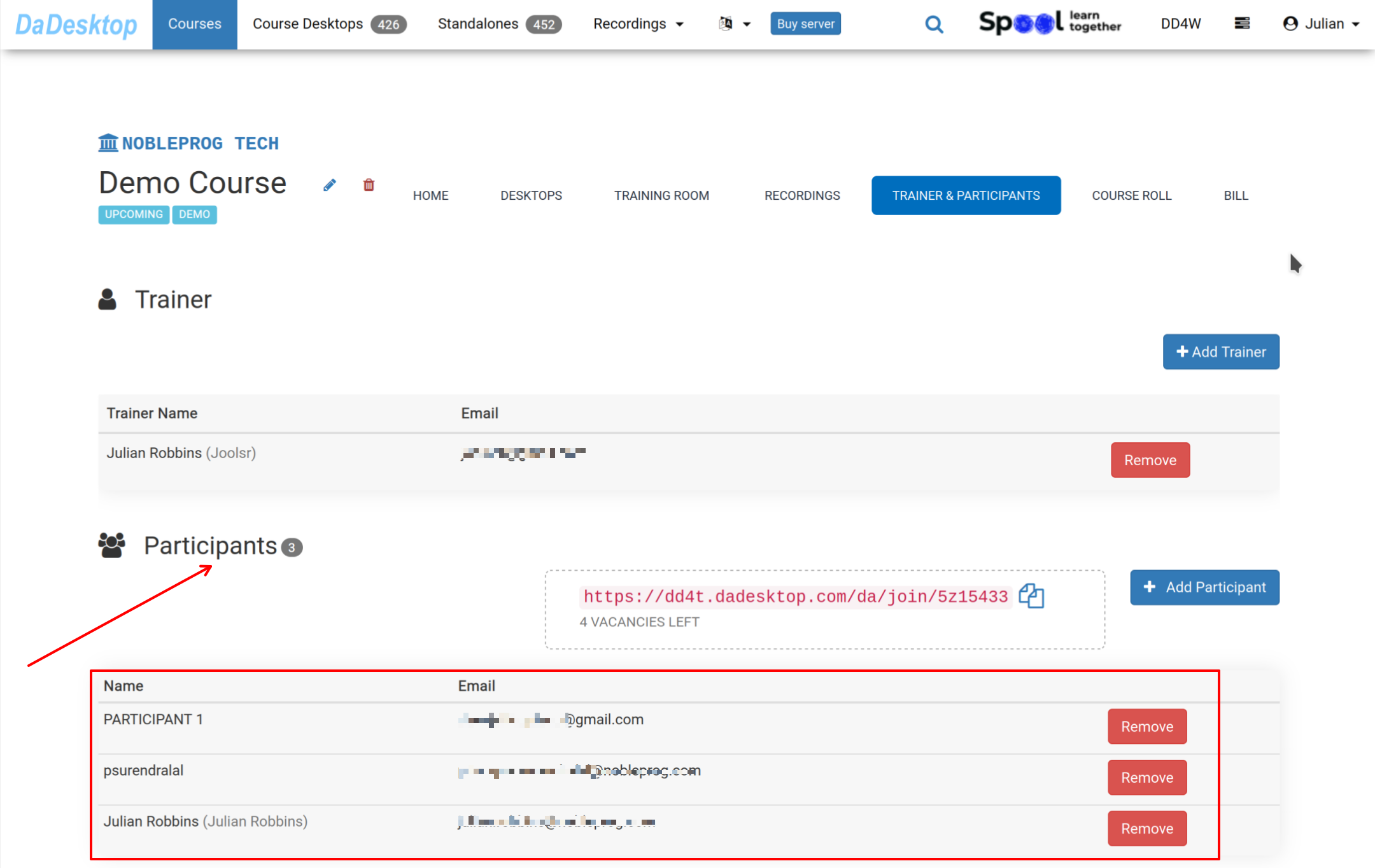
Navigate to the Course section, click on "Trainer & Participants", and confirm if all participants have already joined in the course before training starts.
-
When delegates enter the "Training Room", their desktops will be automatically duplicated from the "Fresh-Start" template.
Keep in mind that while the machines are being cloned, additional steps run automatically in the background; these have been omitted from this guide to keep things clear.
-