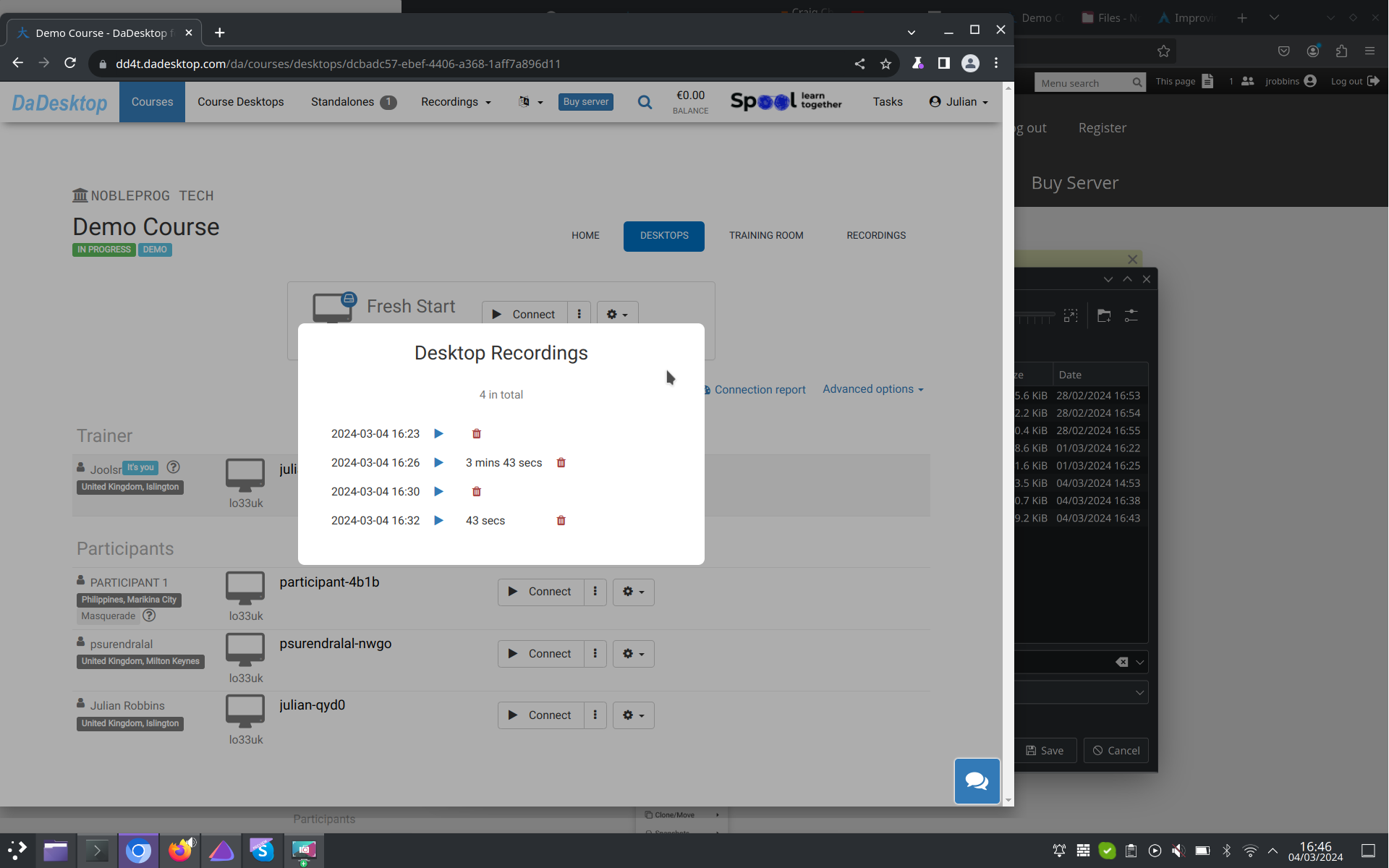
Auto-Session Recording
Your trainer’s desktop is automatically captured via auto-session recording the moment you step into the training room.
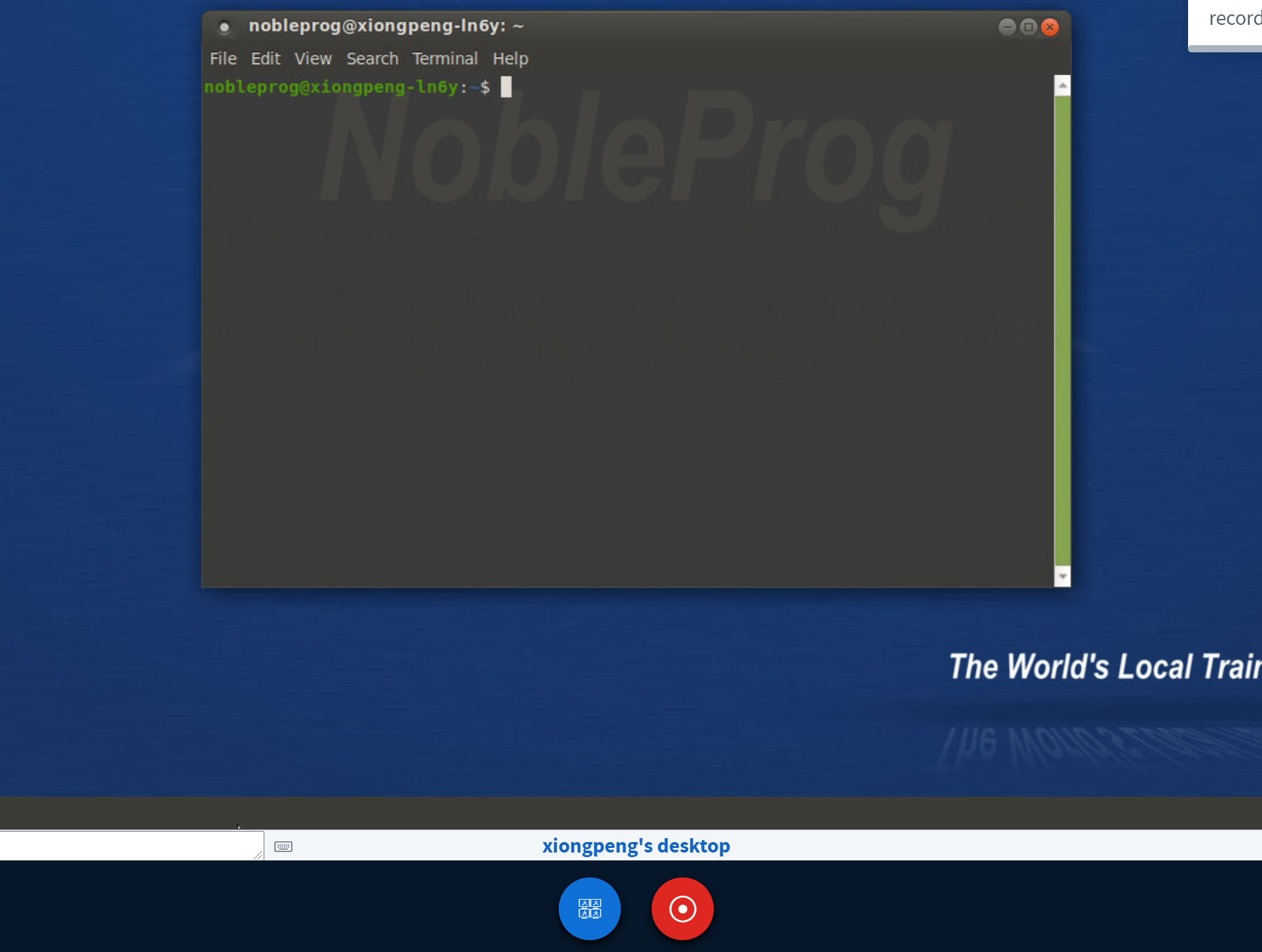
To end the recording, simply hit the red recording button once more.
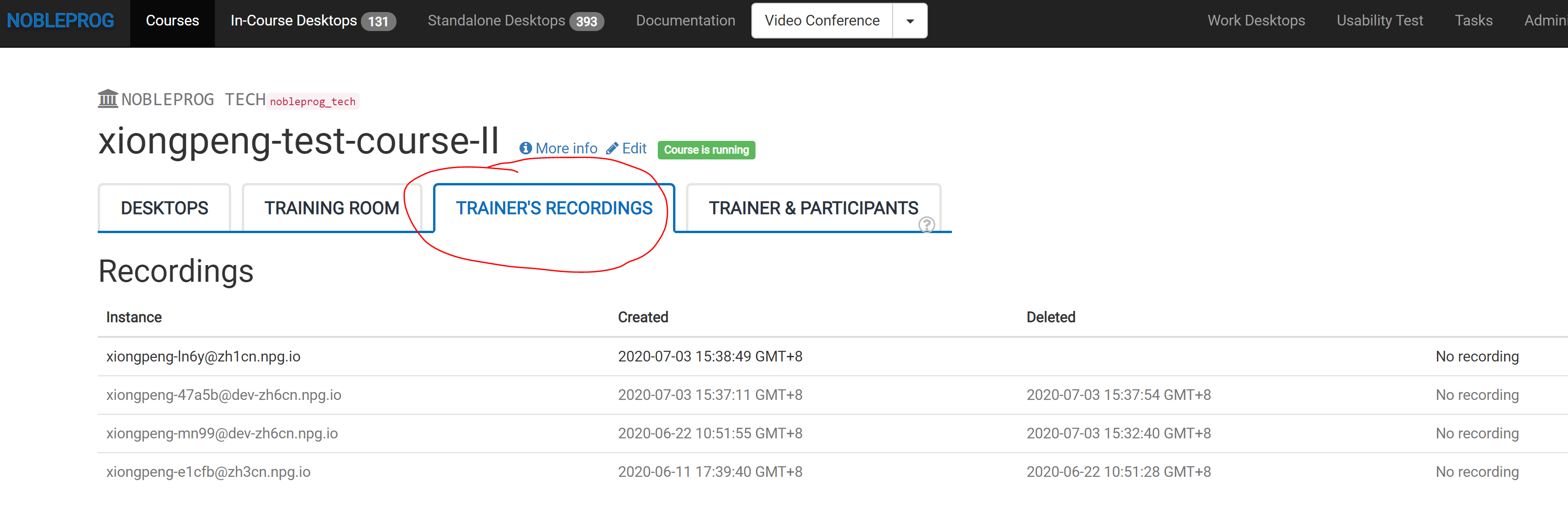
You can find all your recordings inside your course under "Trainer's Recordings".
Check out the auto-session recording of the trainer’s desktop here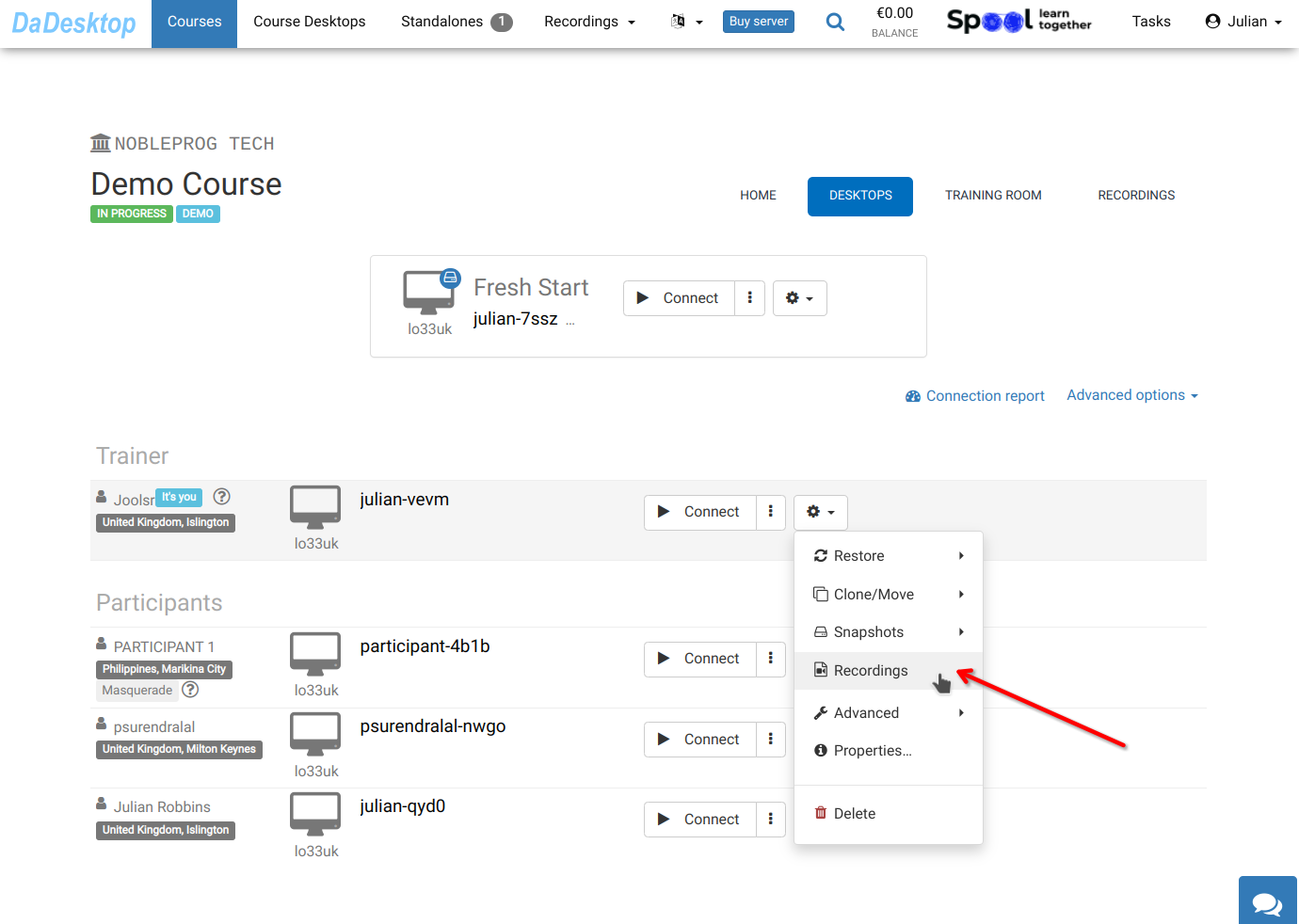
Your recordings are located under "Recordings". You can review them and delete any as needed.