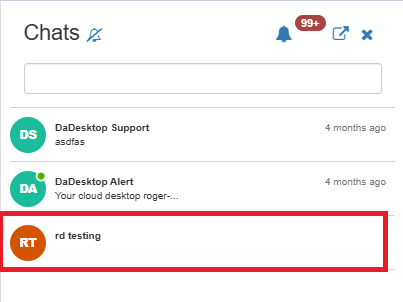
Course Chat
Course Chat is a tool that lets trainers, attendees, and support staff communicate throughout a live course. It's built into the training room.
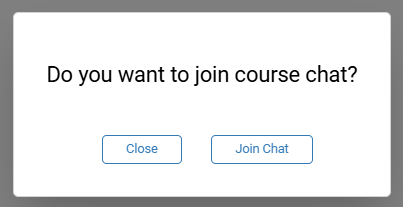
To join the course chat, simply open the training room and you'll be prompted to hop in.
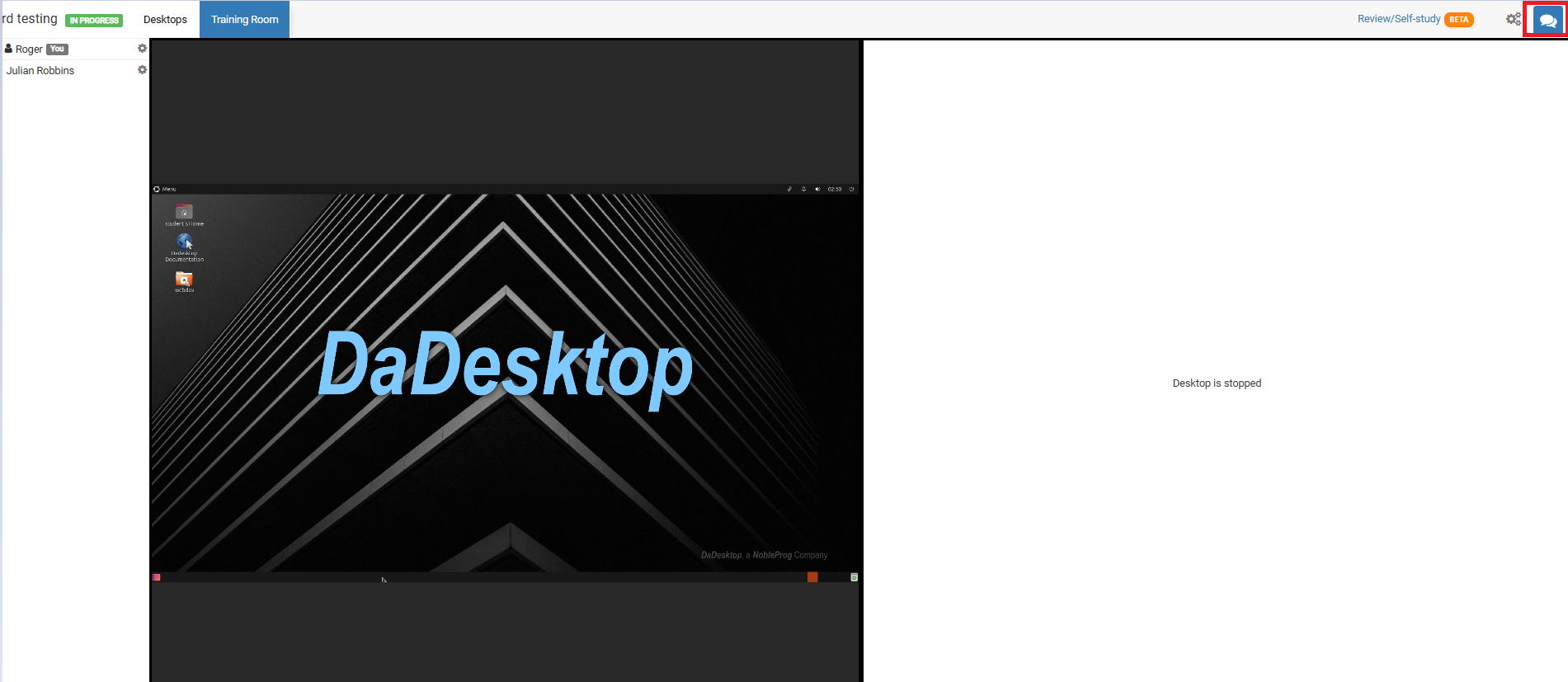
Anytime you need to get back to it, just click the chat icon in the top-right corner of the training room.
When you do, the chat panel slides out on the left showing your course in the list. At the top of the chat, you can turn on notifications to hear a sound whenever someone adds a new message to the course chat.