Working with Desktop Snapshots
Making the Most of Desktop Snapshots
Desktop snapshots give you a quick way to back up your virtual machine and restore it conveniently.
For example, suppose you're about to perform an upgrade that might break your system—simply shut down the VM and take a snapshot beforehand.
If the upgrade goes smoothly, you can delete the snapshot; if not, restore the machine to its earlier condition.
DaDesktop snapshots are available for all machine types across Italy—Fresh Start, Trainer, Participant, and Standalone—allowing any of them to use this feature.
Please note that restoring a snapshot will power off the machine, leaving it ready for a fresh start.
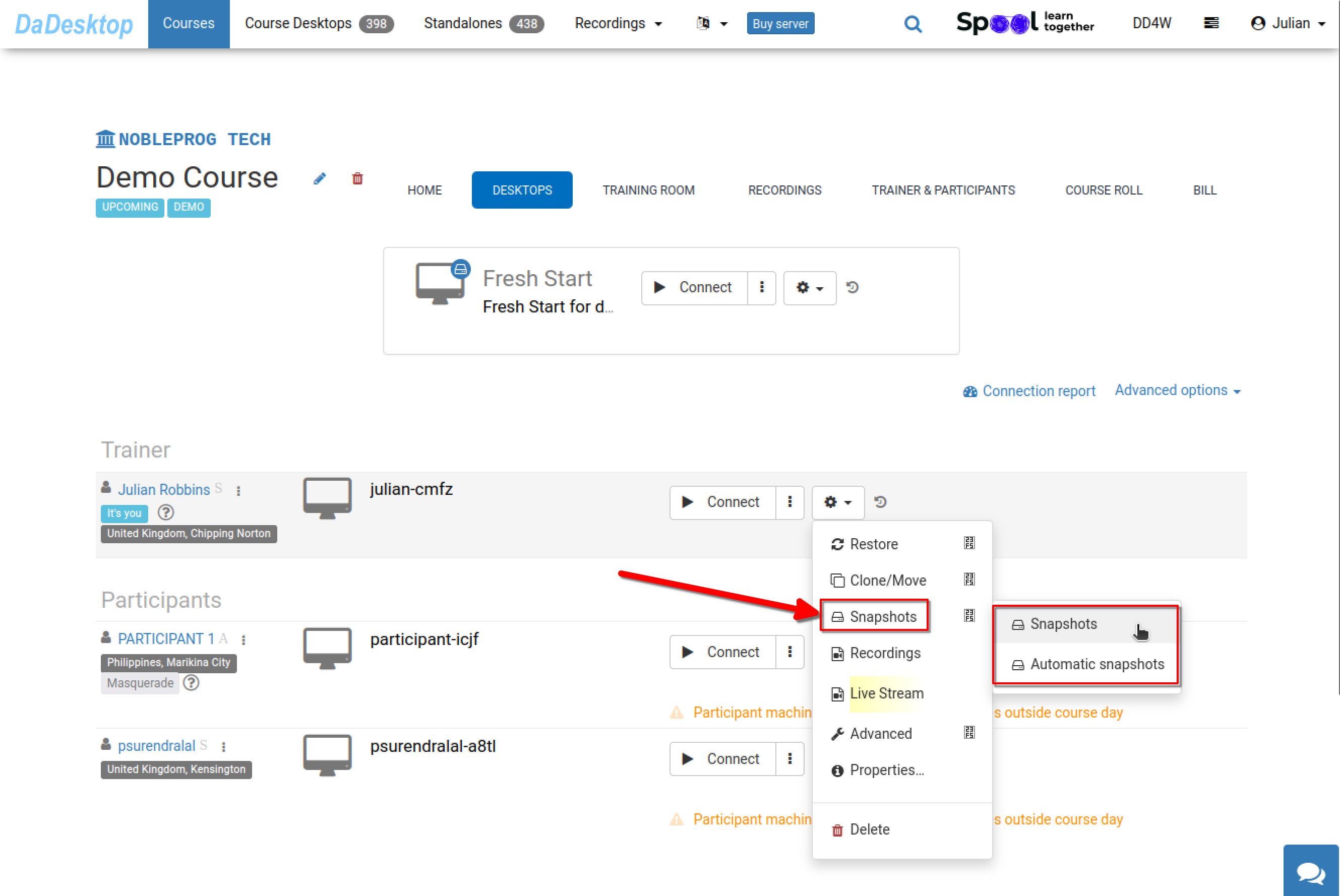
Taking a Snapshot
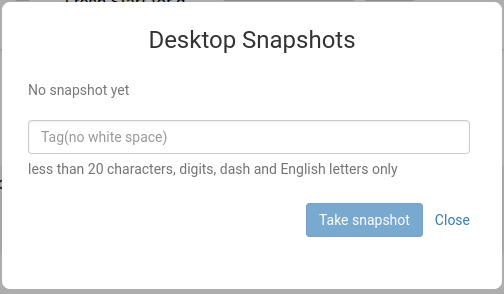
The image below shows the snapshot creation process. Be sure to give it a descriptive name so you can identify when it was taken.
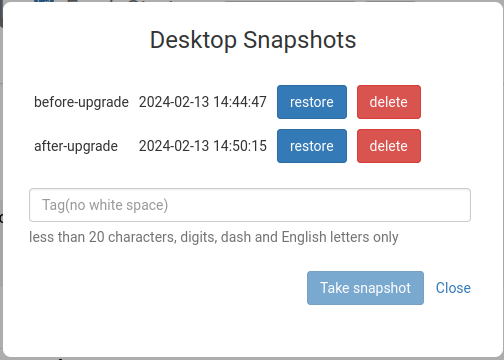
In the following screenshot, you'll see two snapshots captured at different moments. You can restore or remove them whenever needed.
Setting Up Automatic Snapshots
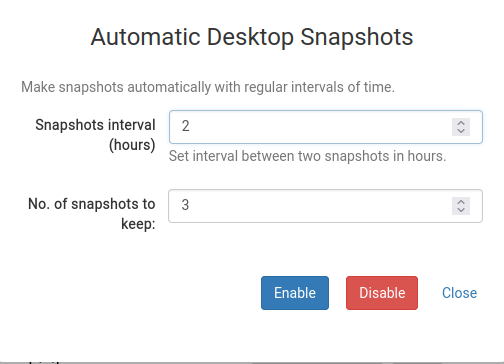
If you'd rather have snapshots taken on a regular schedule so you never forget, Automatic Desktop Snapshots are the ideal solution.
You can define how many snapshots to keep and how often new ones should be taken, all from this configuration area.