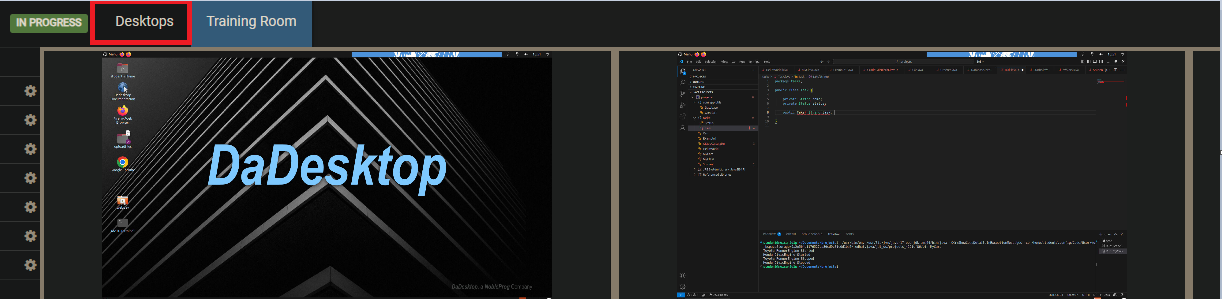
Training Room View
The Training Room provides a straightforward way to access a course.
It enables users to:
- Manage their own virtual desktops (trainers can also take control of participant machines)
- See the trainer's desktop in a grid or side-by-side view
- Capture their desktop activity
- Move the desktop to another browser window or an extra monitor if they prefer
- Chat
-
Access training materials
Everything happens inside a browser window. By default, once participants join a course, they are taken directly to the Training Room, simplifying the experience for beginners.
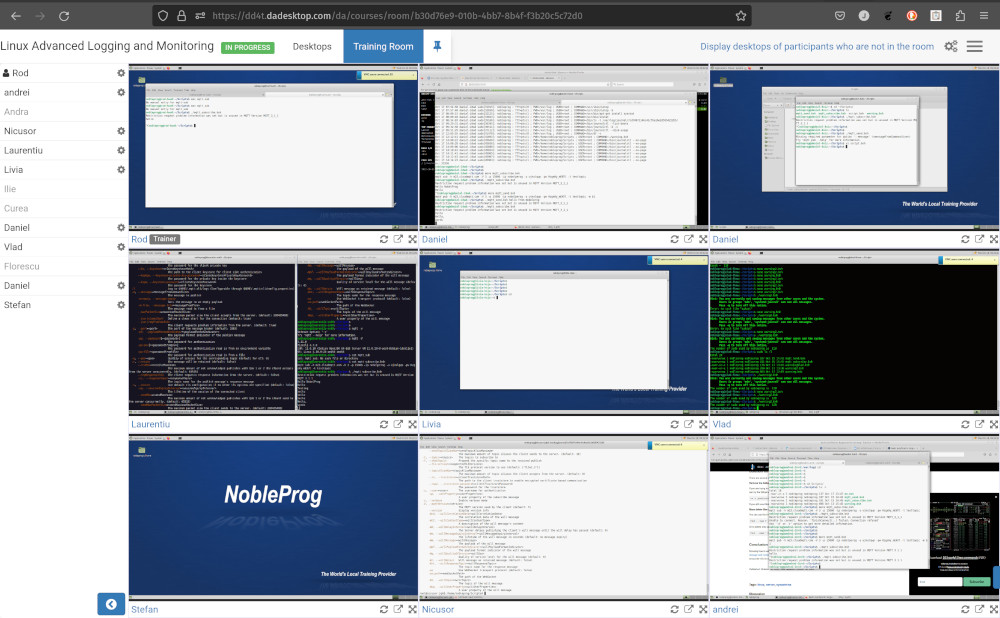
Trainers can view every participant's machine at a glance and interact with any of them, offering help to those who need support or are lagging behind. This capability to see all student desktops simultaneously is unmatched and brings the traditional classroom environment into the digital space.
Training Room View (Trainer view)
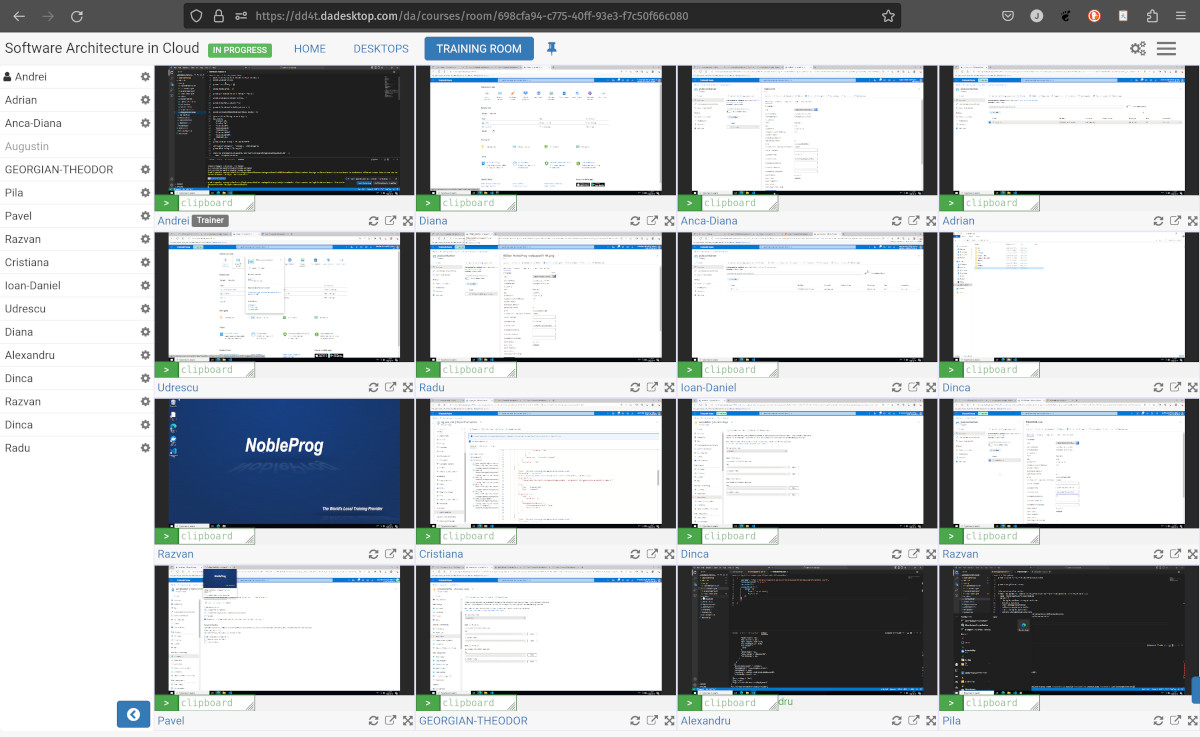
Training Room view with 16 participants (Trainer only)
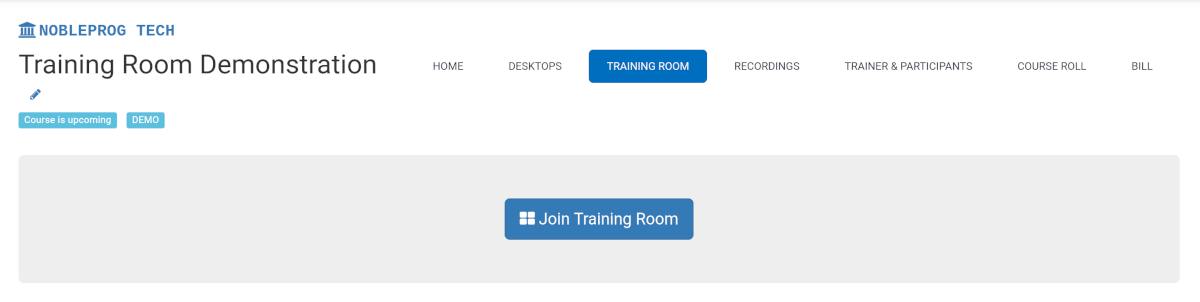
Joining a Training Room
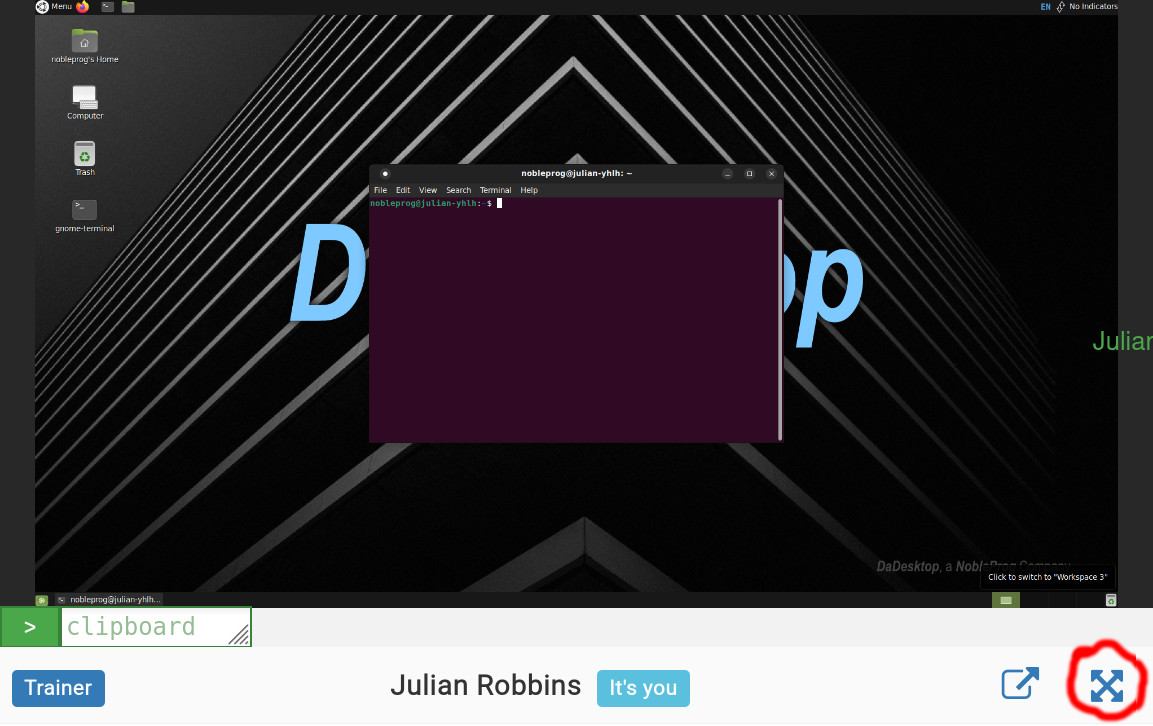
Maximising the Window
Exiting the Training Room View
Although not entirely obvious, to leave the Training Room view just click the `Desktop` tab again, and you'll be returned to the Training page.