Recording the Training Room (Trainer's Desktop)
As an instructor, you can record everything happening in the Training Room, including each participant’s desktop. This comes in handy for revisiting lesson material later or recalling any challenges students faced during the course, which can be a big help for your own notes or when sharing details with support teams for troubleshooting.
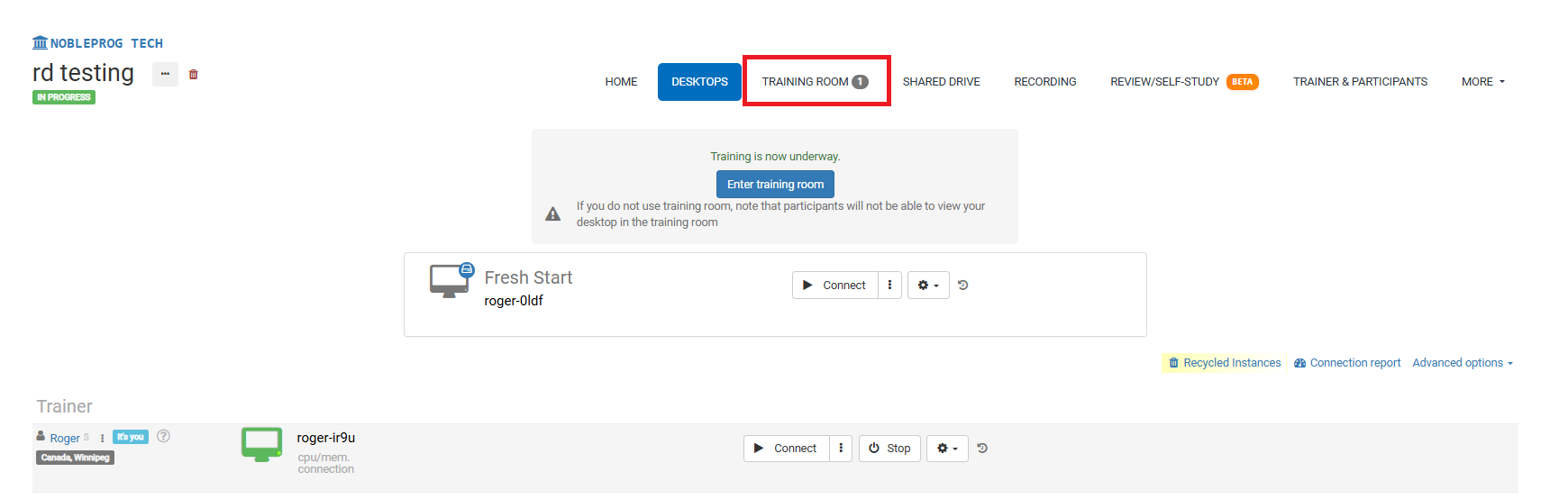
Your Training Room View:
The Record Button
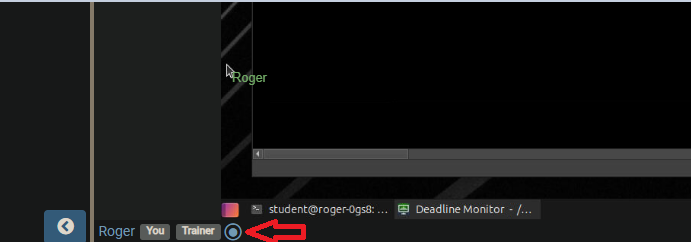
When you’re inside the Training Room, you’ll spot the recording button near the bottom of the interface—right next to your name and the tags tied to your profile, exactly as the screenshot below shows.
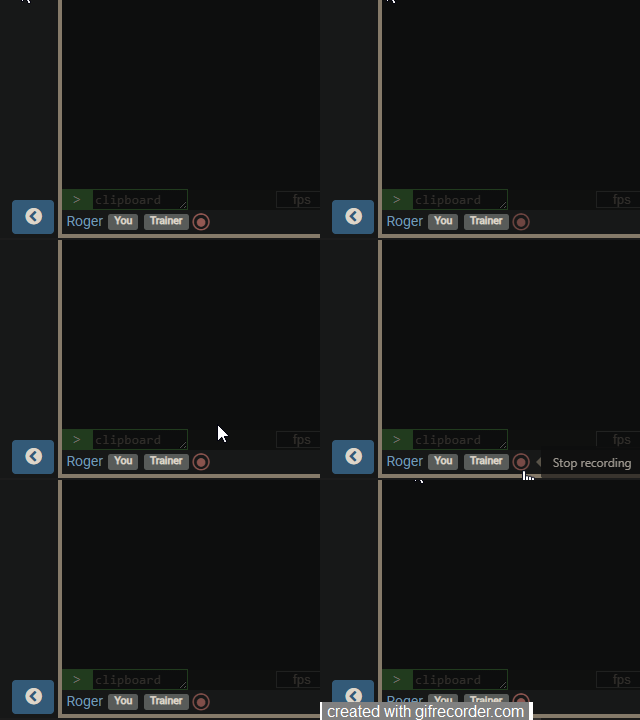
After you click it, recording starts and the button begins to pulse red. Simply click it once more to stop the capture.
Finding Your Recordings
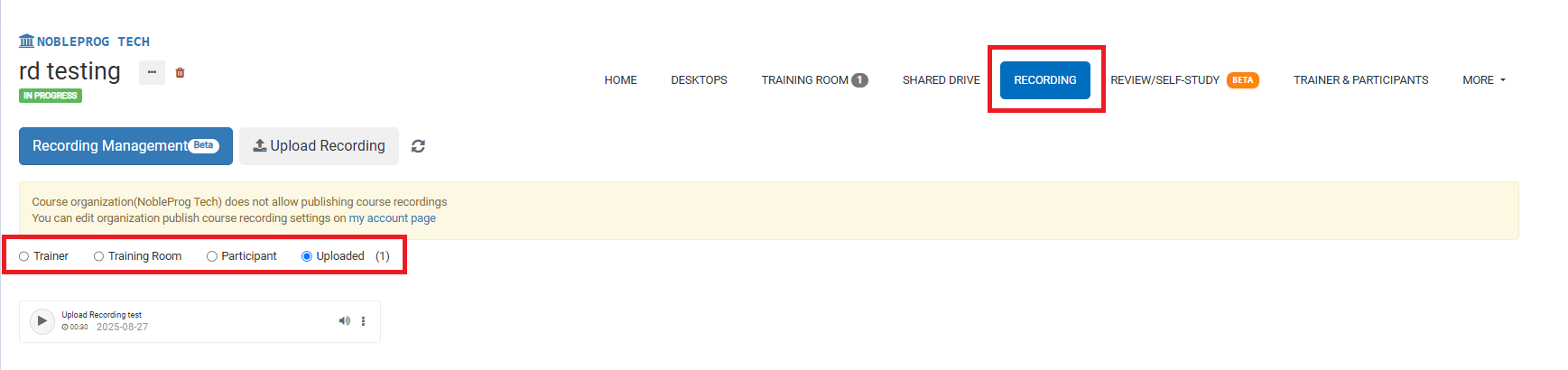
On the course page, head over to the `Recordings` tab to see all your saved recordings. From there, you can pick the specific type of recording you’d like to review.